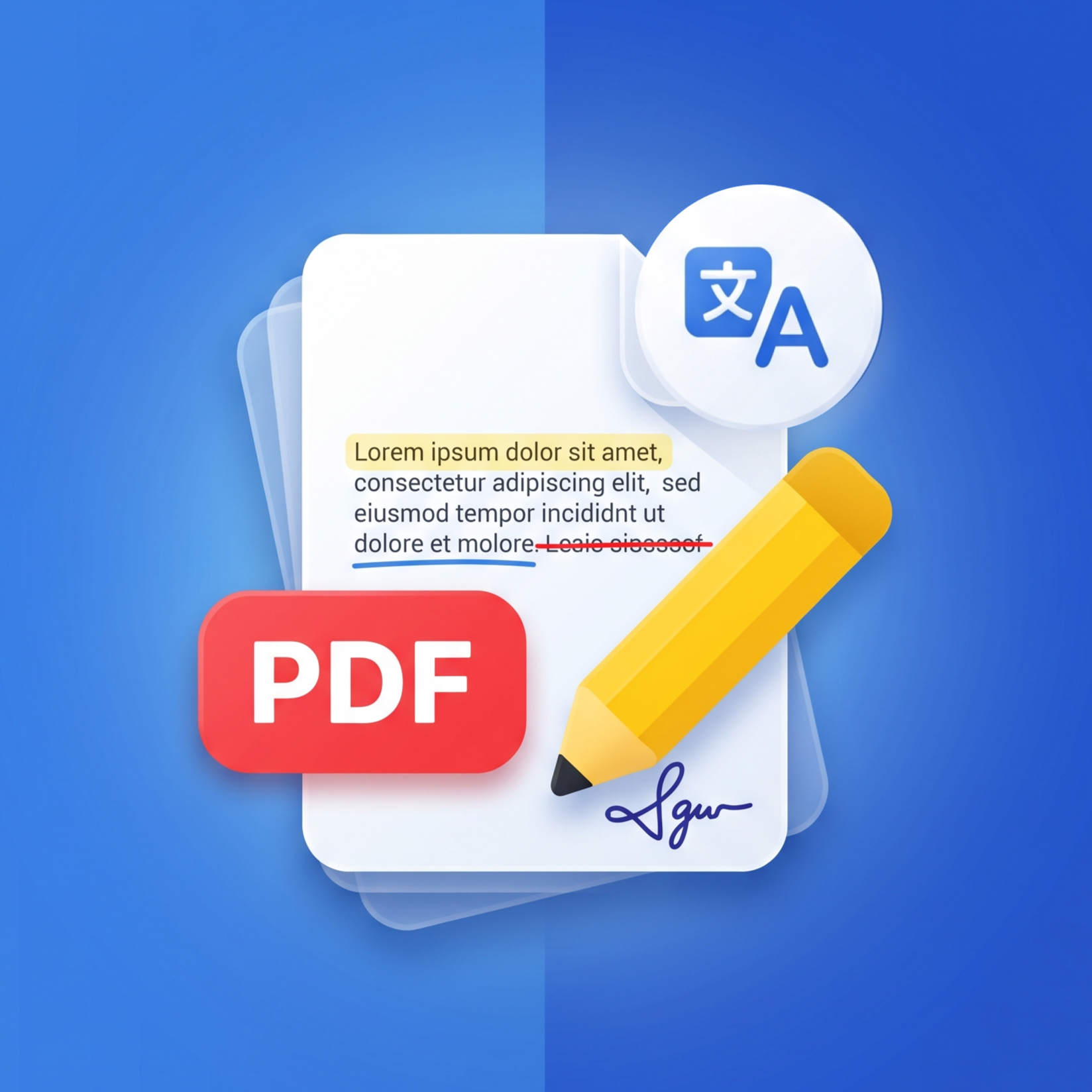
Everything you need to know about reading, editing, scanning, and translating PDFs with Bry PDF.
Bry PDF is a fast, privacy-friendly PDF reader, editor, document scanner, and AI translator for Android. It lets you open, highlight, annotate, scan paper documents, use Image to PDF, add signatures, and translate full PDFs — all locally on your device without an account.
No. Bry PDF works immediately with no sign-up or registration required. Your documents stay private on your device.
Bry PDF is free to download and use. An optional one-time premium purchase is available to unlock unlimited features and remove ads forever — it is a single payment, not a recurring subscription.
Bry PDF extracts document text page-by-page and translates it into your selected language. You can view translations side-by-side with original pages or replace text while preserving document alignment.
First-time translation requires an internet connection to download the required neural language models. Once downloaded, language models run locally on your device for fast translation.
You can highlight text in multiple colors, use markers, underline, strikethrough, insert text boxes, draw shapes (rectangles, circles, lines, arrows), apply custom stamps, and draw freehand on any page.
Yes. Bry PDF features automatic 'Continue Reading' progress tracking that saves your exact page position for recent files so you can resume anytime.
The integrated camera scanner uses auto-edge detection to crop physical paper pages, contracts, or receipts, applying quality filters to generate clean PDF files.
Select photos from your device gallery, reorder pages, and customize output settings including page size, orientation, image fit, and page margins before creating your PDF.
Yes. You can draw a handwritten signature or type your name, customize stroke color and thickness, and place and scale it anywhere on any PDF page.
Yes. All your PDF files remain stored locally on your device — we never upload, store, or sell your personal documents on remote servers.
You can clear temporary thumbnail files and translation cache at any time by opening the app and navigating to Profile -> Settings -> Clear Cache.
Can't find the answer you're looking for? Please reach out to our support team.
Contact Support